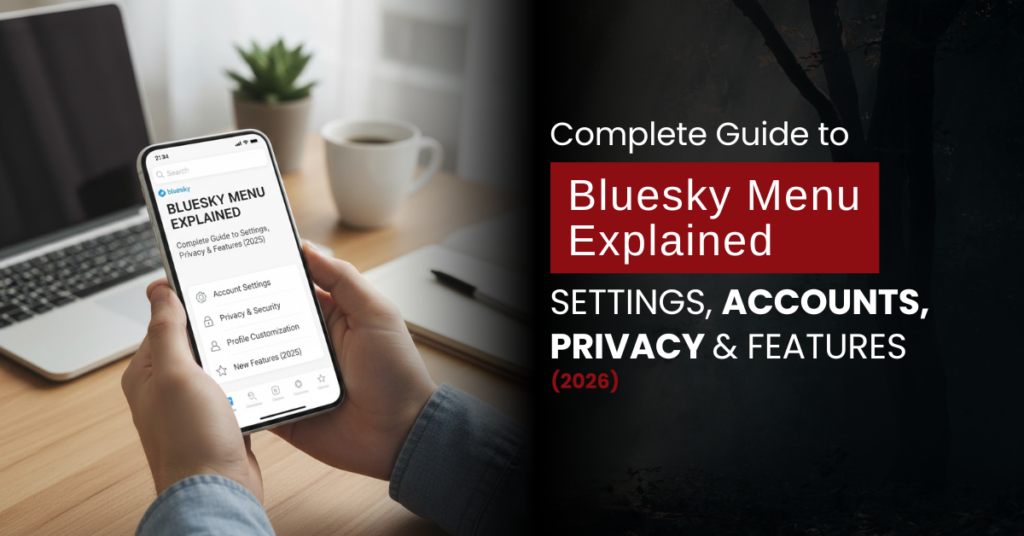
Bluesky Menu Explained: Complete Guide to Settings, Accounts, Privacy & Features (2026)
Bluesky is quickly gaining popularity as a decentralised alternative to traditional social media platforms. Many users in the UK and the US are switching to Bluesky for its cleaner interface, improved moderation, and greater control over personal data.
Table of Contents
ToggleHowever, understanding the Bluesky menu is essential if you want to manage your Account, privacy, and content fully. This guide explains every important feature clearly, without technical jargon, so that you can use Bluesky confidently.
What Is Bluesky, and how does the Bluesky Menu work
Bluesky is a decentralised social network built on the AT Protocol. Unlike centralised platforms, Bluesky allows users to have more ownership over their identity and online interactions.
The Bluesky menu acts as the control hub for your Account. It contains all major options related to settings, moderation, content preferences, and accessibility.
You can access the menu by tapping your profile picture on mobile or clicking it from the sidebar on desktop.
Bluesky Account Settings: Username, Multiple Accounts & Deletion
Account settings are one of the most commonly used areas of the Bluesky menu. These options allow you to manage your handle, switch between accounts, or permanently leave the platform.
Can You Change Your Username on Bluesky?
Yes, Bluesky allows users to change their username, also known as a handle. Handles often follow a format like name.bsky.social, but Bluesky also supports custom domains, which is helpful for brands and professionals.
You can change your handle multiple times, provided the new one is available. This flexibility makes Bluesky appealing to creators who want control over their online identity.
How to change your Bluesky username:
- Open the Bluesky menu
- Go to Settings
- Select Account
- Tap Change Handle
- Choose a new handle or connect a custom domain
Bluesky Multiple Accounts Explained
Bluesky supports multiple accounts within the same app. This feature is helpful for users managing personal profiles, business accounts, or content niches.
You can switch between accounts instantly without logging out. Each Account has its own feed, followers, and privacy settings.
How to add multiple accounts on Bluesky:
- Open the Bluesky menu
- Go to Account Settings
- Select Add another account
- Log in or create a new profile
How to Delete a Bluesky Account Permanently
If you decide to stop using Bluesky, account deletion is straightforward. Once deleted, your posts, likes, and followers are permanently removed.
There is no recovery option after deletion, so ensure you are certain before proceeding.
How to delete your Bluesky account:
- Open the Bluesky menu
- Go to Settings
- Select Account
- Tap Delete Account
- Confirm the deletion
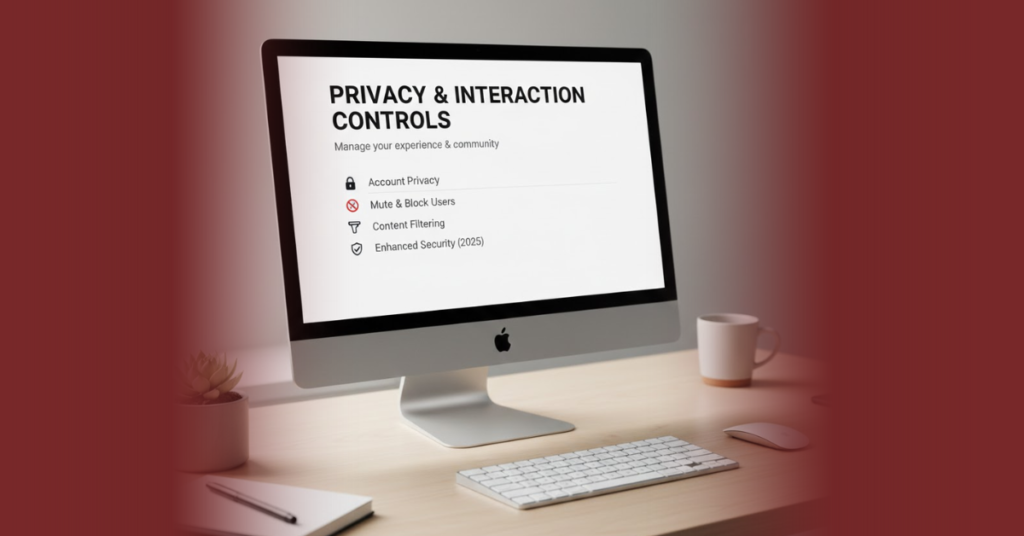
Privacy & Interaction Controls on Bluesky
Bluesky focuses heavily on user safety and moderation. While it doesn’t offer every privacy feature yet, it provides solid tools to control interactions.
How to Hide Likes on Bluesky
At the moment, Bluesky does not offer a full option to hide likes completely from public view. However, users can limit engagement visibility through moderation tools.
You can mute users, block accounts, and curate feeds that focus on content rather than engagement metrics. Bluesky frequently updates its features, so more advanced privacy controls may be introduced.
Bluesky Block Checker: What You Should Know
Many users search for a Bluesky block checker, but Bluesky does not notify you if someone blocks you. This is intentional and helps reduce harassment.
If you block someone, they won’t see your posts or interact with your content. Blocking is silent, private, and effective.
Media & Content on Bluesky
Sharing high-quality visuals can significantly improve engagement on Bluesky, especially for creators and businesses.
Bluesky Image Sizes (Best Practices)
Using the correct image sizes ensures your posts look clean on both mobile and desktop devices.
Bluesky supports square, portrait, and landscape images. PNG and JPG formats work best, and overly compressed images should be avoided.
Bluesky image sizes:
- Square: 1080 × 1080 px
- Landscape: 1200 × 675 px
- Portrait: 1080 × 1350 px
How to Save Videos from Bluesky
Bluesky does not currently include a built-in option to download videos. However, users still have a few safe alternatives.
Browser tools, trusted third-party downloaders, or screen recording software can be used when necessary. Always respect copyright and content ownership.
Hashtags, Groups & Discovery on Bluesky
Bluesky approaches discovery differently compared to traditional platforms.
Do Hashtags Work on Bluesky?
Yes, hashtags work on Bluesky and help content appear in searches and custom feeds. They are most effective when used naturally.
Using one to three relevant hashtags is usually enough. Overusing hashtags can reduce readability and engagement.
Does Bluesky Have Groups?
Bluesky does not currently support traditional groups like Facebook. Instead, it relies on custom feeds and moderation lists.
This allows users to create topic-focused communities without centralised control, which aligns with Bluesky’s decentralised philosophy.
Bluesky Calendar & Events
The Bluesky calendar feature is still developing and is available mainly through third-party tools and custom feeds.
It can be used to follow scheduled events, discussions, or announcements. As the platform evolves, calendar-based features are expected to improve.

Bluesky Social Media Stock: Investment Reality Check
Many users wonder whether Bluesky has stock or plans for an IPO. This curiosity has grown as the platform gains attention.
Bluesky is currently a private company. There is no publicly traded Bluesky stock, and no official IPO announcement has been made.
Users should be cautious of misleading investment claims found online.
Explore our complete Bluesky guide to understand its menu, features, and latest updates in one place.
Click here to learn how Bluesky works and how to use it effectively in 2026.
Why Understanding the Bluesky Menu Matters
Knowing how the Bluesky menu works allows you to control your experience more effectively. It helps you manage privacy, optimise content, and avoid common mistakes.
As Bluesky continues to grow in the UK and the US, early users who understand the platform gain a clear advantage.
Frequently Asked Questions
Can you change your username on Bluesky?
Yes, Bluesky allows handle changes through account settings, including custom domains.
How do I delete my Bluesky account?
You can delete it from Settings → Account → Delete Account. This action is permanent.
Does Bluesky support multiple accounts?
Yes, multiple accounts can be added and managed within the same app.
Do hashtags work on Bluesky?
Yes, hashtags help with discovery when used naturally.
Is Bluesky publicly traded?
No, Bluesky is a private company with no public stock.